The number of responses you can collect every month depends on your plan. Check out our pricing page to see how many monthly responses are available on each plan.
These limits are reset every month, and apply to both monthly and yearly Typeform plans. Check your Account Settings to see yours. You can't carry over unused responses to the next month.
Response limits apply across all forms in your account. This means that if you are on a Plus plan with three forms, you can collect a total of 1,000 responses per month, not 1,000 responses per form. You can also add on additional responses or activate auto-upgrade on your response limits.
If you’re currently on an Enterprise or Growth Custom plan and want to add on additional responses, please reach out to your CSM directly.
If you reach your responses limit, we'll warn you on your Workspace when you log in to your account:
How many responses have I received this month?
1. If you want to see how many responses you've collected this month, click on your organization menu in the upper left corner of your Workspace.
2. Click Plan & billing to see your current response total for the month:
This shows you how many responses you have collected so far this month, and the date we started counting.
What happens when I reach my response limit?
We will notify you by email, and inside your Typeform account, when you reach 90% and 100% of your limit.
When you reach 100% of your response limit, your forms will go into Private mode. Those forms will automatically become public again when the next month begins or when you upgrade your account.
Deleting responses won't add them back to the number of remaining responses for the month. If you delete a response, you will no longer be able to access the content of that response, but the response will still count towards your limit for that month.
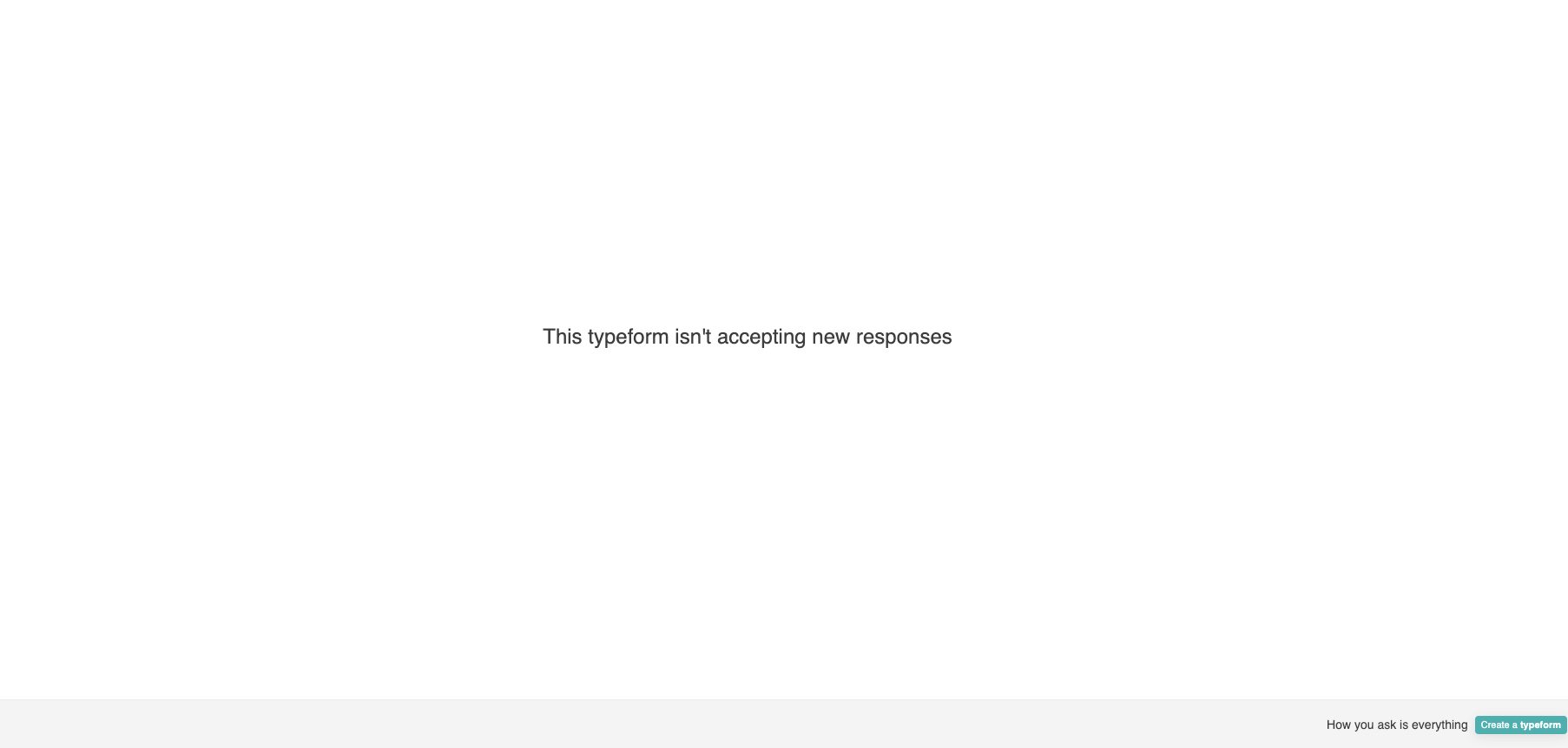
When you reach your response limit, your responders will see a message similar to the one below when they try to access your form:
How can l get more responses?
You can get response add-ons - check out our guide on upgrading your plan to find out how.